
Editorial note: This article rewrites a supplied seven-day account. The source describes observations about the workflow but provides no screenshots, timed tests, publishing analytics, or independently verified results. The first-person headline reflects that source account; it does not claim an additional test by this writer.
Instagram content has a way of turning a simple plan into a long list of jobs. A reel needs an idea and an opening that earns attention. A useful post needs a clear point and visuals people can follow. Then come the caption, cover, hashtags, link destination, publishing, and replies. Repeat the process several times a week and even an enthusiastic creator can run out of time.
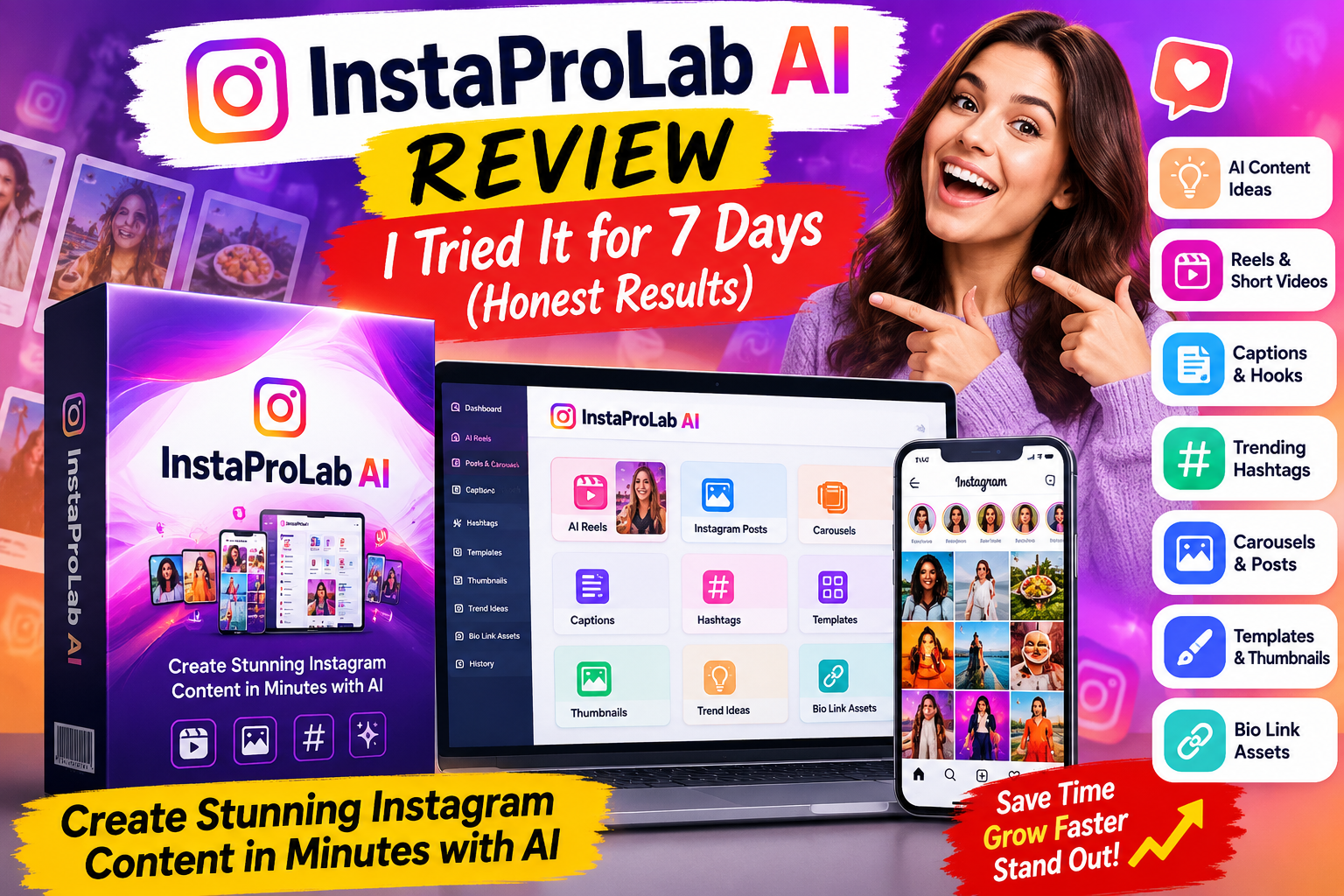
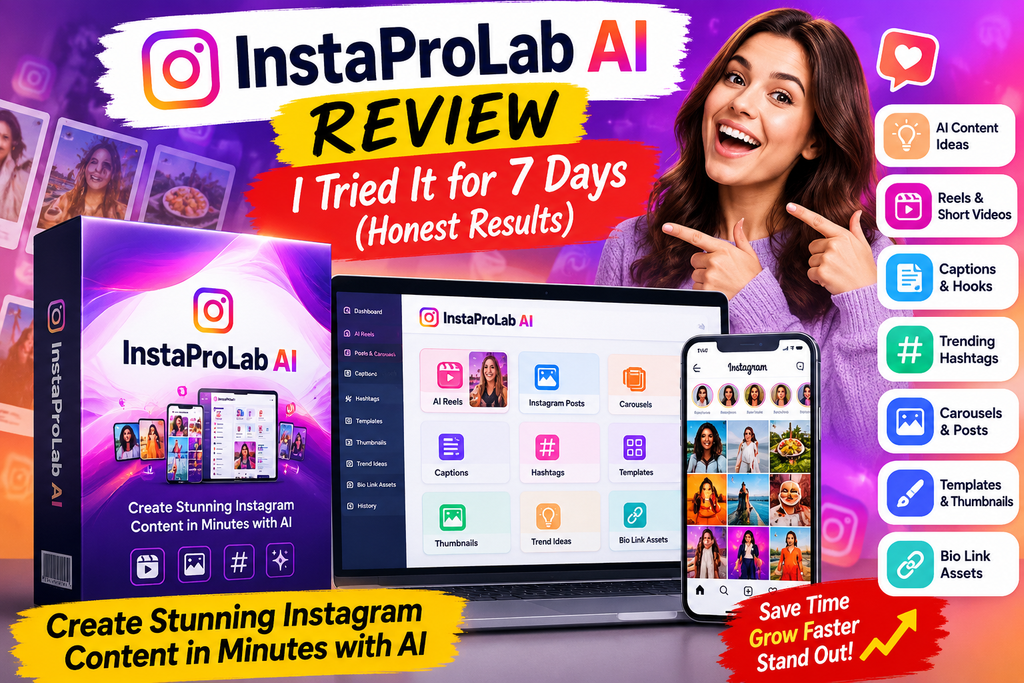
That is the problem behind this InstaProLab AI Review. The platform is presented as an AI Instagram studio that brings content ideas, reels, captions, hooks, hashtags, carousels, covers, thumbnails, templates, trend ideas, and bio-link assets into one workflow. The promise worth examining is simple: can it make content production easier without making the content feel interchangeable?
The supplied seven-day account offers a useful answer, with an important limit. It describes faster planning and a more organized content workflow, especially for reels and client content. It does not include measured follower growth, reach, engagement, sales, or time saved. This InstaProLab AI Review therefore focuses on what the product is positioned to help create, where human judgment still matters, and what to check before buying.
Quick verdict: InstaProLab AI looks most relevant to people who already intend to publish Instagram content regularly and want help turning a niche idea into usable drafts. It is a weaker fit if your goal is automatic followers, guaranteed viral reels, or hands-off client acquisition. Editing, publishing, audience research, and performance reviews still belong to you.
Affiliate disclosure: The product links in this article may earn a commission if you buy through them, at no additional cost to you. The supplied material mentions a bonus and discount but does not document their exact terms; confirm both on the destination page before purchasing.
See the InstaProLab AI offer and check the current terms
InstaProLab AI Review at a Glance
| Question | What the supplied material supports |
|---|---|
| What is it? | An AI-assisted Instagram content creation studio. |
| Main jobs | Generating or preparing ideas, reels, posts, carousels, hooks, captions, hashtags, covers, thumbnails, templates, trend ideas, and bio-link assets. |
| Likely users | Creators, affiliate marketers, coaches, consultants, small businesses, freelancers, and local agencies. |
| Reported review period | Seven days in the body of the supplied account; its original title says 18 days. No performance figures were supplied. |
| Pricing | Described as a low one-time launch offer, without a confirmed price. Check the live checkout. |
| Client use | Commercial-use positioning is mentioned; read the current license before selling deliverables. |
| Publishing | Export or preparation is described. Direct posting and scheduling are not confirmed. |
| Guarantee | Refund language is mentioned, but no specific policy or duration is supplied. Verify at checkout. |
| Main limitation | Content creation assistance does not ensure Instagram growth or revenue. |
If you only want the short answer from this InstaProLab AI Review, consider the tool for production support, especially when you know your audience and need repeatable drafts. Pause before purchasing if a particular automation, export limit, license right, or refund window is essential to your decision; those terms are not established in the supplied source.
What Is InstaProLab AI?
InstaProLab AI is described as a dashboard for creating Instagram content assets. Instead of switching between a brainstorming document, caption writer, design tool, hashtag list, and link page, the intended workflow puts more of that preparation in one place. The original account calls it an Instagram content workflow accelerator, which is a fair description of its proposed role.
The word “accelerator” matters. The product may shorten the steps between having an idea and preparing a post. It cannot know a business as well as its owner, validate every statement in a promotional caption, or guarantee that Instagram will distribute the finished content. A useful InstaProLab AI Review has to judge the tool against the work it can actually influence: the creation of content assets.
Imagine a local bakery that needs three posts this week. One could show a behind-the-scenes process, another could explain a popular item, and a third could announce an offer. A tool like this could suggest angles, opening lines, captions, visual concepts, and cover text. The bakery would still need genuine product photos, accurate offer details, and someone to answer customer questions.
That distinction also applies to an affiliate creator. Generating ten post ideas may make testing easier, but each product claim must be checked. An attractive hook cannot repair a misleading offer. This InstaProLab AI Review treats the AI as a drafting assistant, with the account owner responsible for the final message.
What Did the Seven-Day Account Actually Show?
The supplied story describes a progression in understanding the platform over a week. For this InstaProLab AI Review, the progression is more informative than the source’s unmeasured chart. On day one, the writer noticed the convenience of bringing several content tasks together. Day two emphasized reel planning. Day three brought attention to hooks and captions, including the need to soften exaggerated AI wording. By day five, potential content packages for local businesses became easier to imagine. The final assessment was that the tool could help prepare content faster, while growth still depended on execution.
Days four and six are mentioned in the source’s illustrative chart as points when hashtag and trend ideas, templates, and thumbnails appeared useful. That chart was a subjective illustration, not a measurement. There are no minutes saved, posts published, reach figures, conversions, or before-and-after screenshots to turn into a results graph. The honest result in this InstaProLab AI Review is an observed workflow benefit in the provided narrative, with no demonstrated Instagram performance outcome.
The original headline says “18 Days,” while the body repeatedly says “7 days.” Your requested headline uses seven days, and that matches the detailed narrative. Readers deserve that clarification because a test period is part of a review’s evidence. This InstaProLab AI Review does not present the inconsistent source title as an 18-day trial or invent activity for the missing days.
A sensible way to interpret the experience is that the platform helped the reviewer see how ideas, hooks, captions, and visuals could be assembled in sequence. That is valuable if those are the steps slowing you down. It tells us less about final video quality, how fast exporting works, whether direct posting exists, or whether the content performs better than work created with other tools.
How Does InstaProLab AI Work?
The described process begins with a topic, niche, or content direction. The workflow is the practical center of this InstaProLab AI Review. The system then helps develop Instagram assets around that input. Here is a practical workflow based on the supplied description:
- Define the audience and goal. Name whom the post serves and what the viewer should learn or do. “First-time home buyers in Lagos” is more useful than “real estate.”
- Request content angles. Ask for reel ideas, a carousel outline, or a post theme. Pick ideas that fit your actual expertise, inventory, or offer.
- Draft the opening. Use generated hooks as candidates. Remove dramatic claims you cannot support and keep the first line easy to understand.
- Create the content and caption. Develop the reel or post, then write a caption that adds context rather than repeating the visual word for word.
- Prepare visual assets. Use available templates, covers, or thumbnails where they suit your brand. Replace generic imagery with real assets when authenticity matters.
- Consider discovery and traffic. Review hashtag suggestions for relevance and make sure any bio-link destination matches the post’s promise.
- Edit, export, and publish. Check facts, spelling, format, rights, and platform requirements. The supplied material does not establish direct publishing, so confirm the actual delivery method.
- Read the response. Compare the content with your audience’s comments, saves, visits, and inquiries. Use those signals to decide what to make next.
The most useful insight from this InstaProLab AI Review is that better inputs create more usable drafts. “Make viral content” leaves the system guessing. “Suggest five 20-second reel concepts for a local salon explaining how to prepare for a first consultation” gives it a topic, audience, format, and outcome. Even then, a salon professional should verify the advice before posting.
Features: What Each Tool Could Do for You
A long feature list can sound impressive until you connect each item to a real task. This InstaProLab AI Review connects the listed tools to decisions a creator actually makes. The following sections unpack the capabilities described in the source, without assuming that every feature is available in every plan or that every generated output is ready to publish.
Reel ideas and short-form planning
Reels require quick decisions: what to show, how to open, and how to finish. InstaProLab AI is presented as a way to generate reel ideas and supporting scripts or captions. That could help a creator plan a batch of topics before filming or assembling visuals. It does not establish that the tool shoots original footage, creates a polished final edit in every case, or predicts which reel will take off.
For a fitness instructor, a useful sequence might be three variations on the same common question: a demonstration, a mistake to avoid, and a short explanation. The tool can suggest the structure; the instructor should supply accurate technique, demonstrations, and context. In this InstaProLab AI Review, reel planning is a practical use case, while finished video quality remains something a buyer should inspect personally.
Hooks and captions
A hook gives someone a reason to pay attention in the first few seconds. A caption can clarify the idea, provide useful detail, and invite a relevant next action. InstaProLab AI is described as generating both, which may remove the blank-page problem. The original account also warns that some AI hooks can sound exaggerated. That is a useful caution rather than a minor detail.
Suppose the draft says, “This one secret will double your sales overnight.” If you cannot substantiate it, change the angle. “Three ways we make it easier for customers to choose the right size” is more specific, more believable, and potentially more useful. This InstaProLab AI Review favors a hook that accurately previews the content over one that creates a misleading expectation.
Hashtags and trend ideas
The platform is described as suggesting hashtags and helping users explore trends. These can provide starting points for relevance and format choices. A trend still needs to fit your audience and timing; a hashtag does not compel distribution. Before using a suggestion, ask whether the topic genuinely relates to the post and whether you can add something original.
For example, a local restaurant could adapt a popular behind-the-scenes format to show its real kitchen process. Copying a trend’s surface without a meaningful connection to the business may leave viewers with little reason to follow. This InstaProLab AI Review treats trend discovery as research support, with the account owner making the editorial choice.
Carousels, templates, covers, and thumbnails
Carousels can break a complicated point into a series of slides. Templates may make routine visual production easier. Covers and thumbnails help a profile look organized and tell viewers what a reel addresses. These are useful when a creator lacks time to design every asset from scratch.
But consistency can become sameness if every post uses the same stock layout. Adapt templates to your brand’s colors, terminology, and real examples. Check text readability on a phone, especially when the cover is reduced in a profile grid. The most persuasive visual in this InstaProLab AI Review would be one that tells the truth about the content behind it, not simply one with the loudest headline.
Bio-link assets
The source includes a bio-link system or assets among the proposed features. That could be useful when a post asks someone to read a review, request a quote, or view an offer. The destination still needs to load, match the promise made in the post, and make the next step clear. The supplied material does not give details about hosting, analytics, customization, or limits for these assets, so confirm them if your campaign depends on them.
Explore the current InstaProLab AI features and offer
Who Gets the Most Practical Value?
An honest InstaProLab AI Review should start with workload. If you post once every few weeks and already enjoy designing your content, an extra platform may add little. If you need a steady supply of ideas and drafts for several content themes, bringing related tasks together may save effort. The value depends on what you publish, how much editing you do, and whether you actually use the drafts.
Independent creators
A creator can use the platform to brainstorm recurring series rather than treating every post as a new project. A travel creator might plan location tips, packing reminders, and itinerary explainers. A finance educator might outline basic money concepts, while checking every financial claim carefully. The generated structure can help with consistency; the creator’s real perspective is what makes a page distinct.
One useful exercise is to list five audience questions before asking the AI for ideas. That anchors the output in actual needs. This InstaProLab AI Review sees content planning as stronger when the creator brings knowledge, stories, examples, or original footage to the draft.
Affiliate marketers
Affiliate marketers need several honest ways to explain the same offer: what it does, who it suits, what it costs, and where it falls short. InstaProLab AI could help turn a review into a short reel outline, a comparison carousel, and a caption that links to a fuller explanation. The aim should be to help someone decide, rather than to produce more aggressive claims.
For example, an affiliate promoting a content tool could post a quick tour of the workflow and separately explain who might not need it. Check all advertised features and prices before posting, identify affiliate relationships clearly, and avoid fabricated earnings or results. The advice in this InstaProLab AI Review is simple: automation may speed up drafting, but it cannot take responsibility for the truth of your promotion.
Coaches, consultants, and small businesses
A coach can turn common client questions into short teaching posts. A small retailer can prepare product education, event notices, and customer FAQs. A consultant can break a long explanation into a carousel. These are manageable tasks for an AI-assisted workflow when someone knowledgeable reviews the final copy.
The key is to supply the real details the platform cannot invent: opening hours, service area, appointment process, product availability, qualifications, and any claims that need evidence. This InstaProLab AI Review suggests treating the platform as a planning desk, then adding the specifics that make the business credible.
Freelancers and local agencies
Client work may be the most interesting use case in the supplied account. A freelancer could prepare content concepts for a salon, gym, restaurant, realtor, or cleaning service. A sample monthly package might include a set of reel concepts, caption drafts, carousel outlines, and cover ideas. That is an illustration of a service you might assemble, not a documented package or included product feature.
Serving clients also means getting approval, handling revisions, respecting brand guidance, and reporting on what was actually published. Before selling content made with the platform, inspect the commercial license and any usage limits. This InstaProLab AI Review does not treat a commercial-use claim as a substitute for the actual terms, and the software will not find or close clients for an agency.
A Realistic Weekly Workflow
To assess whether a tool like this fits, picture a week of work rather than a single demo prompt. This InstaProLab AI Review uses a weekly example to make the potential time savings concrete without claiming measured savings. On Monday, choose one audience question and one business goal. Draft several possible angles, then keep only the ideas you can support. On Tuesday, use one angle for a reel and another for a carousel. By Wednesday, review captions, covers, and hashtags. Publish when the content is accurate and complete, and spend the rest of the week responding to people and checking what they found useful.
For an affiliate page, that might mean one educational reel about a problem, one carousel comparing options, and one post explaining a product’s limitations. Each piece should stand on its own; the link is a next step for an interested viewer. For a local business, the sequence might include a service explanation, a behind-the-scenes post, and a timely offer with correct details.
This is where the convenience described in the InstaProLab AI Review could matter. Reusing the same topic across formats reduces repeated brainstorming. It also creates a new responsibility: check that the variations are genuinely different and worth a viewer’s time. Three versions of the same generic claim will not become more convincing simply because they look different.
InstaProLab AI Pricing, Upgrades, and Refunds
The source describes a low one-time launch price. Pricing is one of the most important uncertainties in this InstaProLab AI Review. It does not state an exact dollar amount, identify which tools are included in the entry purchase, list upgrade prices, or provide a refund duration. It also mentions possible optional upgrades and refund language without the terms. Any InstaProLab AI Review that turns those gaps into a precise price or guarantee would be guessing.
Before you buy, check the live page and checkout for the following:
| Check | Why it affects the decision |
|---|---|
| Total upfront price | Establishes your actual cost, including any applicable taxes. |
| Included features | Shows which creation tools are part of the base purchase. |
| Usage and export limits | Matters if you make content for several accounts or clients. |
| Optional upgrades | Helps you decide whether the base version meets your needs. |
| Commercial license | Clarifies whether and how client work is permitted. |
| Posting and scheduling | Distinguishes direct publishing from downloading assets yourself. |
| Refund policy and support | Defines how to request help or a refund and within what period. |
| Bonus and discount terms | Confirms what is offered, who provides it, and whether it is still available. |
One-time pricing can be appealing if you want to avoid another recurring bill, but “one-time” alone does not establish unlimited usage or lifetime feature access. The value calculation in this InstaProLab AI Review rests on your actual workflow and the live terms, not an assumed bargain.
If client work is your main reason for buying, read the license before quoting packages to customers. If direct posting is essential, locate that feature in the live demonstration or terms. If the refund window determines your decision, save the stated policy at purchase. These checks are practical because they address the biggest unknowns in the supplied account.
Check InstaProLab AI pricing, license, and refund details
Pros and Cons of InstaProLab AI
| Potential advantages | Limitations to weigh |
|---|---|
| Puts several Instagram planning and creation tasks in one proposed workflow. | No verified follower, reach, engagement, or sales results are provided. |
| May reduce the effort of getting from an idea to a draft. | AI hooks and captions can need substantial editing. |
| Offers multiple content formats and supporting assets in the supplied description. | Exact quality and plan-by-plan access are not established. |
| Could help repeat a process across several niches or clients. | Commercial rights and account limits need confirmation. |
| Gives beginners a structure for planning content. | Strategy, publishing, analytics, and audience interaction remain necessary. |
| One-time launch pricing is described. | Exact current price, upgrades, and refund terms are missing. |
The pros make the most sense when measured against hours you currently spend planning. The cons matter when a sales page appears to imply that making more posts will automatically produce more attention. The central conclusion of this InstaProLab AI Review is that production speed and Instagram outcomes are different questions.
Common Complaints and Concerns
“Will the posts sound like everyone else’s?” They can if you publish raw AI drafts. Add your own examples, avoid stock phrases, and edit the tone. A useful check is to ask whether a regular follower would recognize the business or creator behind the post without seeing the username.
“Will hashtags bring new followers?” Hashtags may help describe a topic, but the source provides no proof that this tool’s suggestions increase reach. Relevant content and a clear audience matter more than a long list of tags. This InstaProLab AI Review does not assign a growth result to the hashtag feature.
“Does autopilot mean I can stop working on Instagram?” The original copy discusses replacing repetitive manual steps, yet its practical advice still calls for editing, posting, consistency, engagement, and analytics. Treat “autopilot” as promotional language unless a specific automated action and its limits are demonstrated.
“Can I use the outputs for paying clients?” The source presents commercial-use potential, but the actual license terms are not included. Check the license for client deliverables, redistribution, asset rights, and account limits before promising a service. This concern matters especially to agencies considering the platform for several businesses.
“Will I need to pay more later?” Optional upgrades are mentioned, without a price list or feature map. Review the base offer before looking at add-ons. A higher-priced option only makes sense if you have a defined use for its additional rights or capacity.
Does InstaProLab AI Really Work?
For the specific task of planning and preparing Instagram content, the supplied account says the platform made a multi-step workflow feel quicker and more organized. That is the positive finding. No objective test in the source measures the output’s quality against another tool, and no published performance figures demonstrate stronger reach, leads, or sales. So this InstaProLab AI Review can support a cautious “potentially useful for content production,” not a verified claim of better Instagram growth.
If you already know your niche and the questions your audience asks, you have a better chance of getting useful drafts. If you expect the AI to choose your positioning, provide firsthand stories, establish trust, and interpret analytics for you, you may be disappointed. It helps to decide what problem you are buying it to solve before judging whether it works.
Is InstaProLab AI Legit or a Scam?
The described offer has a coherent product purpose: helping people prepare Instagram content. That makes it plausible as a content tool, but the material provided here is insufficient to independently verify the live software, support quality, license rights, checkout terms, or refunds. Calling it a scam would be unsupported; giving it an unconditional seal of approval would be unsupported too.
This InstaProLab AI Review recommends a straightforward buyer check: inspect the current product demonstration and order page, confirm that the specific features you want are included in the version you are purchasing, and read the license and refund terms. Judge the product by whether it delivers useful drafts for your actual work, rather than by promises of follower growth.
Who Should Consider It, and Who Should Skip It?
Consider InstaProLab AI if you publish regularly, struggle to turn ideas into finished drafts, and are willing to refine generated content. It may be especially relevant to an affiliate marketer testing honest educational angles, a small business with limited time, or a freelancer preparing ideas for several client accounts. This InstaProLab AI Review sees the strongest fit where several small tasks consume a large amount of planning time.
Skip it if you rarely publish, already have a workflow you like, or need a confirmed advanced video editor with specific technical capabilities. It is also a poor match if you want guaranteed followers, automatic sales, or client projects without outreach. If a particular feature is essential and cannot be verified on the live page, resolve that question before paying.
A simple decision exercise helps: list your three most time-consuming Instagram tasks. If they are brainstorming, caption writing, and preparing covers, the described product lines up with those needs. If they are filming original footage, negotiating brand deals, or interpreting complex campaign data, the supplied description does not establish that this tool will solve them.
How to Get Better Results If You Use It
Start with one clear audience rather than several unrelated niches. Write down their recurring questions, common objections, and the next step you want a post to support. Then create a small weekly plan: a helpful reel, an explanatory carousel, and a post grounded in your own experience or business details. Use InstaProLab AI to generate options, and reject weak ones.
Give each draft a five-minute review. Is the opening accurate? Are examples concrete? Does the caption add value? Are prices, claims, dates, and availability correct? Does the link destination match what you promised? For a client, make sure the business approves everything that speaks in its name. This InstaProLab AI Review places quality control at the center because speed only helps when the final content earns trust.
After publishing, look beyond views alone. Pay attention to whether people ask relevant questions, save a useful explanation, visit the intended page, or request information. The source does not show that the platform measures these outcomes, so use whichever analytics and records you already have. Let real audience behavior guide your next prompts and edits.
Frequently Asked Questions
What does InstaProLab AI create?
The supplied description lists reels, posts, carousels, hooks, captions, hashtags, thumbnails, covers, trend ideas, templates, and bio-link assets. The exact scope and limits of each feature should be confirmed on the current offer. This InstaProLab AI Review does not assume every item is included in the base purchase.
Can InstaProLab AI make my Instagram account grow?
No follower or engagement increase is guaranteed or demonstrated in the supplied material. The tool may help you prepare content; growth depends on audience fit, content quality, posting, and how people respond. That distinction is central to this InstaProLab AI Review.
Does it automatically publish posts?
The source mentions export or preparing content for publishing, but does not confirm direct posting or scheduling. If automation is important to you, verify the exact publishing workflow before buying.
Is InstaProLab AI good for beginners?
It may help beginners organize ideas, hooks, and captions without starting from a blank page. Beginners still need to check accuracy, learn what their audience wants, and publish consistently. This InstaProLab AI Review treats beginner-friendliness as ease of drafting, not a guarantee of results.
Can agencies use InstaProLab AI for clients?
The supplied copy mentions a commercial license and client-service potential. Read the actual current license, plan limits, and asset-use terms before selling content services. The tool does not provide clients or manage their approval process for you.
How much does InstaProLab AI cost?
The source calls it a low one-time launch offer but supplies no confirmed amount. Check the live checkout for the entry price, taxes if applicable, and optional upgrades. This InstaProLab AI Review intentionally avoids quoting a number that was not provided.
Is there a refund guarantee?
Refund language is mentioned without a duration or full policy. Read the current checkout and support terms before purchase. Do not assume a particular window from this InstaProLab AI Review.
Are the promised bonus and discount included?
The supplied affiliate link is described as offering a bonus and discount, but the content and eligibility are not specified. Confirm the exact offer on the linked page before relying on it.
What was the honest seven-day result?
The supplied account reports a clearer, faster-feeling content workflow and highlights the need to edit AI output. It provides no measured Instagram performance or time-savings data. That is the evidence boundary for this InstaProLab AI Review.
Final Verdict: Is InstaProLab AI Worth Considering?
Yes, if your main obstacle is the time it takes to move from a niche idea to a set of workable Instagram drafts. The described combination of ideas, hooks, captions, reels, carousels, visual assets, hashtags, and bio-link preparation could make that process easier to repeat. Its strongest potential is helping a motivated creator or small team stay organized while preserving time for the parts that require a person: expertise, original examples, customer understanding, and final approval.
The honest limitation is equally clear. The seven-day narrative contains no measurable follower gains, sales, or independent feature verification. Current pricing, licensing, bonus terms, and refunds need checking. My conclusion in this InstaProLab AI Review is a conditional recommendation: look more closely if the live offer fits your workload and budget, then evaluate the output against your own content standards. If you are buying a promise of viral growth, this evidence does not support that expectation.
Choose one content goal, test the workflow with specific prompts, edit the result until it sounds like you, and pay attention to how your audience responds. That is how a content creation tool earns a useful place in your process.